AI Automation for Small Businesses: 10 Tasks You Can Automate in 2026
AI automation isn't just for large companies. Discover 10 practical tasks small businesses can automate to reduce repetitive work, improve customer responses, and support business growth.
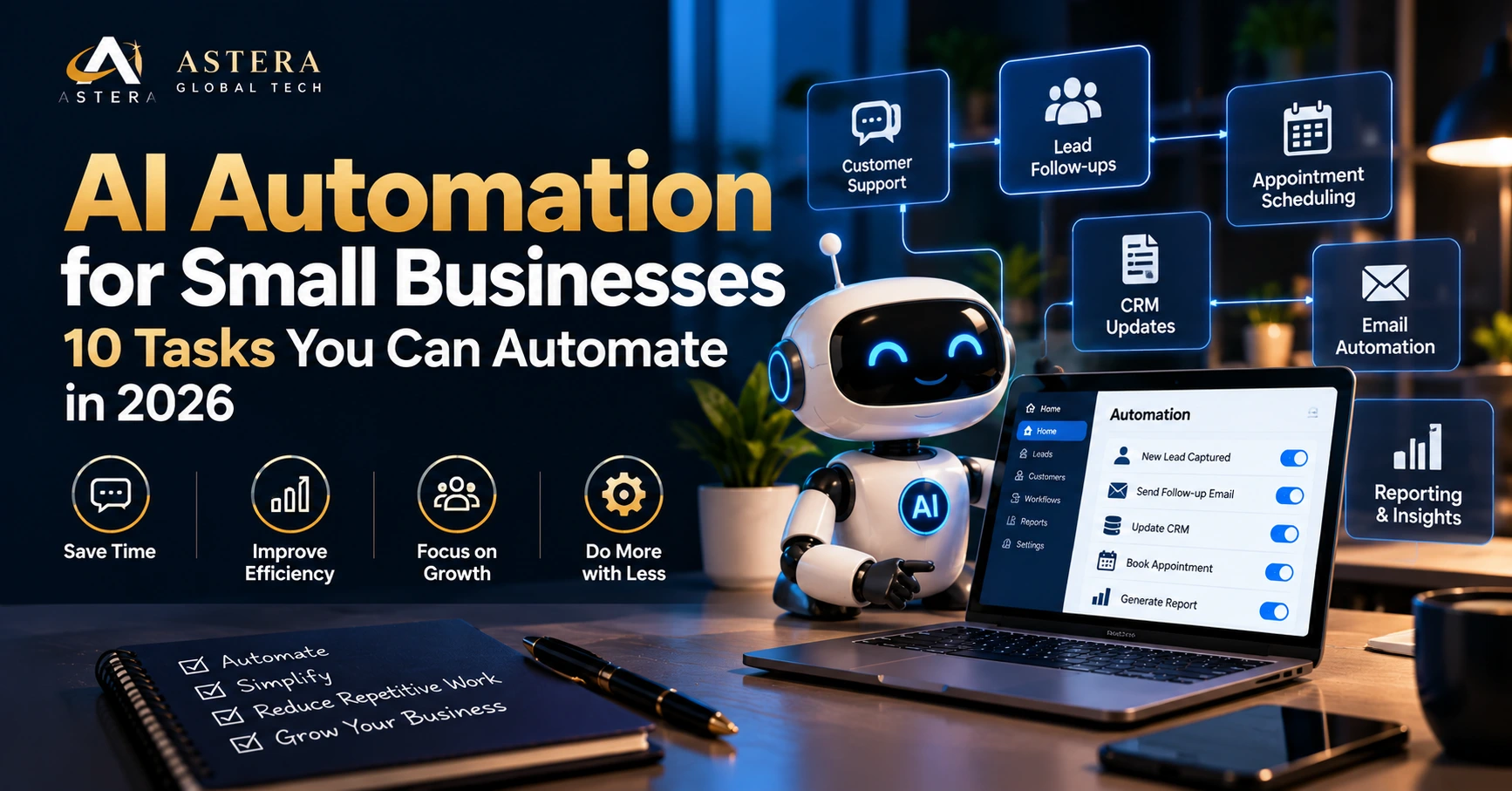
Running a small business often means managing several responsibilities at once. You may be responding to customer enquiries, following up with leads, updating spreadsheets, coordinating appointments, preparing invoices, and managing marketing activities — sometimes all in the same day.
As your business grows, these repetitive tasks can take valuable time away from customer relationships, planning, and business development.
This is where AI automation for small businesses can make a difference.
In 2026, businesses can use AI-powered tools, connected software, and automated workflows to simplify routine operations without necessarily investing in a large technology team.
But what should you automate first? And which activities still need human involvement?
Let’s explore ten practical opportunities.
What Is AI Automation for Small Businesses?
AI automation combines artificial intelligence with software workflows to complete or assist with business tasks.
Traditional automation follows predefined rules. For example, when a customer submits a form, the system automatically sends a confirmation email.
AI-powered automation can go further by interpreting a customer’s question, classifying an enquiry, summarizing information, or preparing a personalized response.
A small business might use AI automation to:
-
Respond to frequently asked customer questions.
-
Organize incoming enquiries.
-
Update customer records.
-
Prepare follow-up messages.
-
Summarize reports.
-
Support routine administrative work.
The objective isn’t to replace every manual activity. It’s to reduce repetitive work while keeping people involved in important decisions.
Why Should Small Businesses Consider AI Automation in 2026?
Small businesses often operate with limited time, budgets, and resources.
When routine tasks depend entirely on manual effort, common problems can appear:
-
Customer enquiries remain unanswered.
-
Potential leads don’t receive timely follow-ups.
-
Employees spend hours updating records.
-
Appointments are missed.
-
Information gets scattered across different tools.
-
Business owners lack clear visibility into daily operations.
Thoughtfully implemented automation can help reduce these problems.
However, successful AI adoption depends on selecting the right workflows, using reliable data, and testing the results.
10 Tasks Small Businesses Can Automate Using AI
1. Customer Support and Frequently Asked Questions
Customers often ask similar questions about pricing, services, availability, delivery, and business hours.
An AI chatbot can help answer common questions using approved business information.
Example: A website development agency receives enquiries about website timelines, platforms, and consultation availability. A chatbot can provide general information and direct interested visitors to the contact form.
Business benefit: Faster initial responses and reduced repetitive support work.
Important: Complex complaints, sensitive requests, and unusual situations should be escalated to a person.
2. Lead Capture and Qualification
Not every website enquiry is ready for a sales conversation.
AI-assisted workflows can organize incoming leads based on their requirements, project type, budget range, or preferred contact method.
Example: A visitor enquiring about Shopify development submits a form. The system records the enquiry in a CRM and categorizes it for the appropriate team.
Business benefit: Better lead organization and a more structured sales process.
Businesses should avoid using AI qualification scores as the sole basis for rejecting potential customers.
3. Automated Lead Follow-Ups
Following up with potential customers is essential, but manual follow-ups are easy to miss.
Automated workflows can send timely reminders, prepare personalized follow-up drafts, and notify sales representatives when action is needed.
Example: A prospective customer requests an SEO consultation but doesn’t book a meeting. The system can schedule an appropriate follow-up based on the customer’s communication preferences.
Business benefit: More consistent follow-up processes.
Messages should respect consent, opt-outs, and applicable communication rules.
4. Appointment Booking and Scheduling
Businesses that depend on appointments can simplify scheduling through automation.
A connected booking system can help customers select available time slots, receive confirmations, and get appointment reminders.
Example: A consultancy allows customers to book discovery calls through its website, with the appointment automatically added to the team’s calendar.
Business benefit: Less scheduling-related administration and fewer avoidable booking errors.
5. CRM Data Entry and Customer Record Updates
Updating customer records manually can become time-consuming as enquiries increase.
Automation can transfer information from approved forms, emails, or other connected systems into a CRM.
AI can also help summarize customer conversations for staff review.
Example: After a discovery call, a salesperson reviews an AI-generated summary before saving it to the customer’s record.
Business benefit: More organized information and reduced repetitive data entry.
Sensitive customer information should only be processed through appropriately secured and authorized systems.
6. Email Sorting and Response Drafting
A busy inbox may contain customer questions, sales enquiries, support requests, invoices, and general notifications.
AI tools can help classify messages, identify priorities, and prepare draft replies.
Example: An incoming email requesting a website quotation is categorized as a sales enquiry and assigned to the business development team.
Business benefit: Improved inbox organization and quicker response preparation.
Important customer communications should be reviewed before sending.
7. Social Media Content Planning
Creating consistent social media content requires research, planning, writing, and coordination.
AI can assist with content ideas, caption drafts, topic calendars, and repurposing existing material.
Example: A business turns a published educational blog into draft LinkedIn posts, Instagram carousel topics, and short video scripts.
Business benefit: Less time spent preparing initial content drafts.
Brand voice, accuracy, creative quality, and publishing decisions should remain under human control.
8. Invoice and Payment Reminder Workflows
Administrative workflows often include generating invoices, checking payment status, and sending reminders.
Connected software can automate parts of these processes.
AI may assist by extracting information from documents or organizing billing-related requests.
Example: An approved invoice is generated from a completed project milestone, and the customer receives a scheduled payment reminder.
Business benefit: More consistent billing administration.
Financial calculations, account details, and payment approvals require appropriate verification and safeguards.
9. Business Reporting and Data Summaries
Business owners often need to review website traffic, enquiries, marketing performance, and operational information.
AI can help summarize information from connected reporting systems.
Example: A weekly report highlights changes in website traffic, form submissions, and campaign enquiries.
Business benefit: Easier access to business information and quicker identification of issues requiring investigation.
AI-generated explanations should be checked against the underlying data.
10. Internal Workflow and Task Management
Many businesses rely on manual coordination between sales, marketing, development, and operations teams.
Automation can create tasks, update project statuses, and notify the appropriate team members when milestones change.
Example: When a client approves a website proposal, the system creates an onboarding checklist and assigns tasks to the relevant team.
Business benefit: Clearer responsibilities and fewer missed administrative steps.
Which AI Automation Should Your Business Start With?
Not every process needs AI.
Start by identifying activities that are repetitive, time-consuming, and relatively low-risk.
| Business challenge | Potential automation |
|---|---|
| Repeated customer questions | AI chatbot with human escalation |
| Missed enquiries | Lead capture and CRM integration |
| Delayed follow-ups | Automated reminders and approved messages |
| Manual appointment scheduling | Online booking workflow |
| Repetitive data entry | CRM updates |
| Time-consuming reporting | Automated dashboards and AI summaries |
Choose one workflow, establish how it currently performs, and test whether automation actually improves the outcome.
How to Implement AI Automation in Your Small Business
Step 1: Identify the Problem
Start with a specific operational challenge rather than selecting an AI tool simply because it is popular.
For example: “Our sales team spends too much time manually recording enquiries.”
Step 2: Review Your Existing Systems
Identify which tools your business already uses, such as its website, CRM, email platform, booking software, or customer support system.
Check whether these tools support secure integrations.
Step 3: Select a Suitable Workflow
Decide which steps can be automated using fixed rules and which genuinely benefit from AI.
Not every workflow requires generative AI.
Step 4: Test With a Limited Use Case
Begin with a small pilot using appropriate test data.
Check response accuracy, integration reliability, privacy controls, error handling, and human escalation.
Step 5: Measure the Results
Compare performance before and after implementation.
Useful measures include:
-
Time spent on repetitive tasks.
-
Initial customer response time.
-
Number of missed enquiries.
-
Manual correction rate.
-
Employee workload.
-
Customer satisfaction.
Step 6: Improve Before Expanding
Once the workflow performs reliably, consider expanding automation to other business activities.
Common AI Automation Mistakes to Avoid
AI automation can create problems when implemented without clear processes.
Common mistakes include:
-
Automating a poorly understood workflow.
-
Connecting tools without appropriate access controls.
-
Sending unreviewed AI-generated information to customers.
-
Using inaccurate or outdated business data.
-
Failing to provide a human escalation option.
-
Measuring activity rather than business outcomes.
-
Assuming automation requires no ongoing maintenance.
Security, privacy, transparency, and human oversight should be part of the implementation process from the beginning.
Does Every Small Business Need Custom AI Software?
No.
Some businesses can achieve their goals using existing automation platforms and standard software integrations.
Others may require custom development when their workflows involve multiple systems, specialized business rules, or unique customer experiences.
The right solution depends on the business problem, technical requirements, operating costs, and maintenance needs.
How Astera Global Tech Helps Businesses With AI Automation
At Astera Global Tech, we help businesses explore and implement practical automation solutions based on their operational needs.
Our AI and automation services include:
-
AI chatbot development.
-
Business workflow automation.
-
CRM and software integrations.
-
Custom AI-powered tools.
-
Website and application integrations.
-
Automation strategy and implementation.
Our focus is on connecting technology with real business requirements rather than introducing unnecessary complexity.
Explore our AI Automation Services to understand how we can help simplify your business workflows.
If you’re also planning to improve your digital presence, explore our Website Development Services and SEO Services.
Frequently Asked Questions About AI Automation
Is AI automation suitable for small businesses?
Yes. Small businesses can use automation for selected tasks such as customer support, lead management, scheduling, and reporting. The right solution depends on business requirements and available resources.
How much does AI automation cost for a small business?
Costs vary based on software subscriptions, integrations, workflow complexity, usage, implementation, and ongoing support. A simple workflow may cost considerably less than a custom AI application.
Can AI automation work with my existing website?
In many cases, yes. AI tools and automation workflows can be integrated with existing websites, forms, CRMs, and other business software, depending on technical compatibility.
Can AI automation help generate more leads?
Automation can help capture enquiries, improve response consistency, and support follow-up processes. However, generating demand also requires effective marketing, useful content, and an appropriate customer acquisition strategy.
Is AI automation secure?
Security depends on the tools, configuration, access controls, data handling, and monitoring practices used. Businesses should assess privacy and security requirements before connecting AI systems to sensitive information.
Do I need technical knowledge to use AI automation?
Not necessarily. Many automation tools offer user-friendly interfaces, although more complex integrations and custom workflows may require professional technical assistance.
Final Thoughts
AI automation for small businesses is not about replacing people with technology.
It’s about identifying repetitive work, improving operational consistency, and allowing teams to focus on activities where human judgment and relationships matter most.
The most effective starting point is often a single, well-defined workflow rather than an expensive, company-wide AI transformation.
Ready to explore AI automation for your business?
Astera Global Tech can help you identify suitable automation opportunities and plan a solution around your existing systems.